


Tilt-shift photography is getting more and more popular these days and I bet many of you would like to have one of these tilt-shift lenses to play with. Unfortunately they are pretty expensive and you probably will not want to spend hundreds of dollars just for some funny shots.
For funny shots will use Photoshop – here is quick tutorial how to create miniature tilt-shift like effect for your photos.
1) Choose the right photo
It is important to choose right photo for this effect to look great. As you are creating miniature effect and want it to look as real as possible.
– ) Choose shot form above (remember, you are looking at miniature world).
-) Choose panorama shot with different objects – houses, cars, people etc. looks amazing if you apply this effect on them.
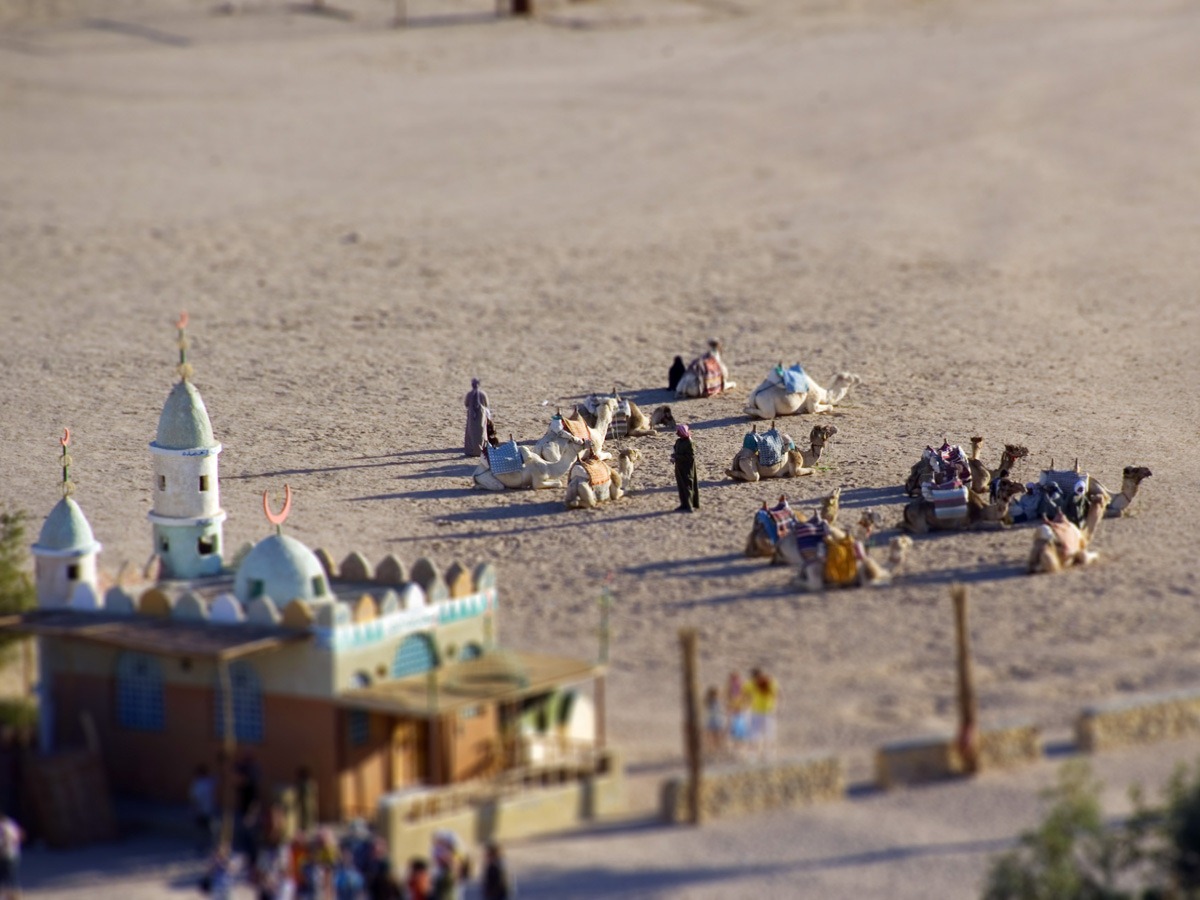
Here is the photo I have chosen – it is a shot from Egypt taken by friend of mine.
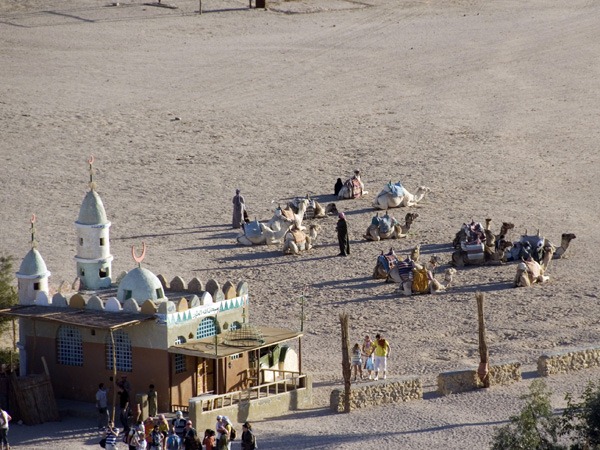
And will turn into this:
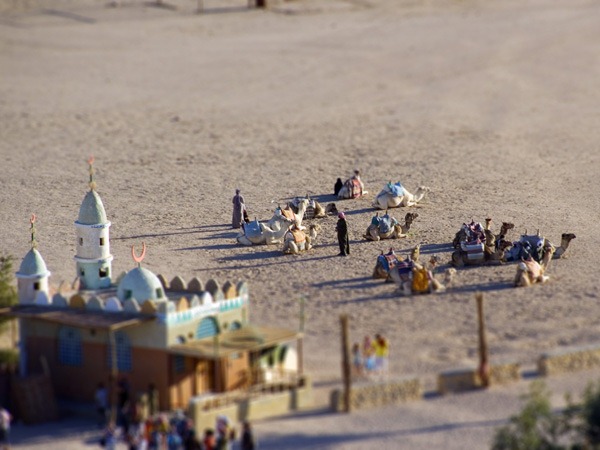
2) Select area for blur effect
First of all look at your photo and think about what area will look great as a miniature. I think I will go with the middle of image with the people and camels.
-) Select Quick mask mode in Photoshop
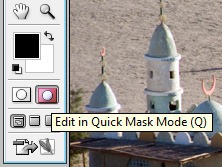
-) Go and get Gradient Tool
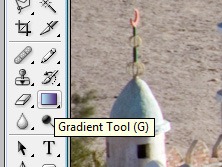
-) From Gradient type select Reflected Gradient
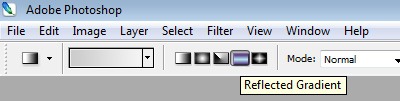
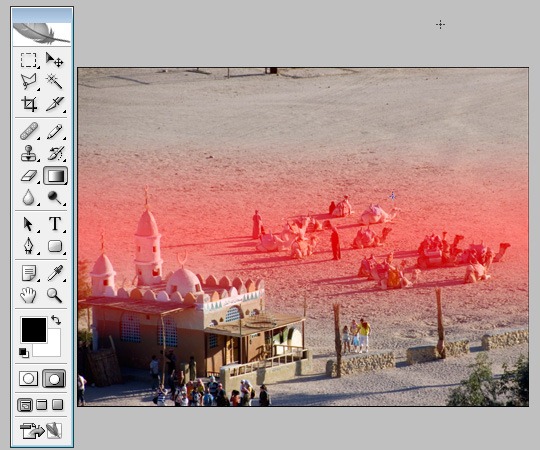
-) Now go and select focus area in your image. The area you want to be in focus will appear in red after applying gradient. It should look something like this:
– ) Selecting back to Standard mode should select area for applying blur effect.
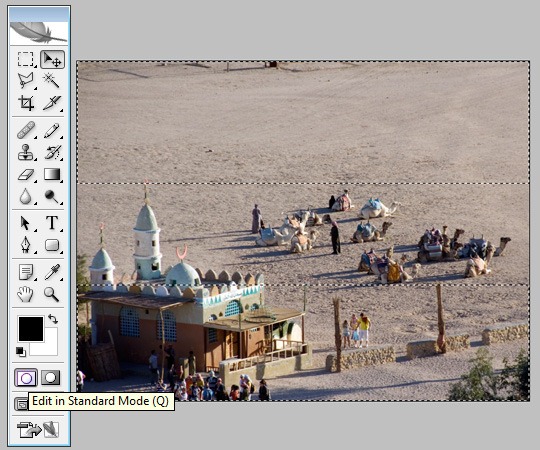
3) Apply blur effect
For blur effect you can use Lens blur from the filter menu. Play with the radius setting to see which value brings best effect – for this picture I set my radius value to about 30.
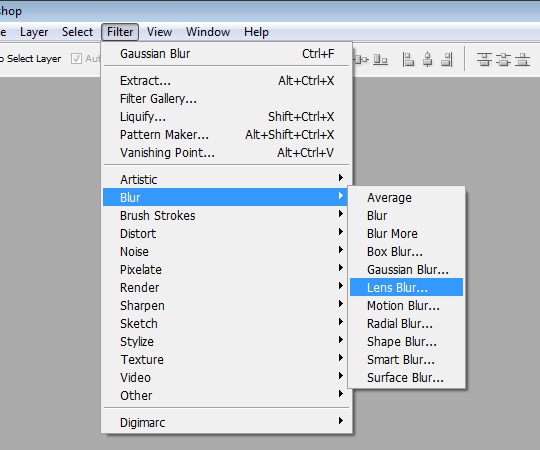
4) Tune up the final image.
Only thing I have don to the final image is spiced up the color with Saturation option as it gives better feel of miniature world. If you need you can play with brightness, curves, contrast and other options to give to the picture final touch.
Here is the final image:
Hope you like this tutorial and remember to subscribe to our feed for upcoming news and tutorials!




Pingback: [User Link:Create Tilt-shift Miniature Effect in Photoshop] | Tips for Designers and Developers | tripwire magazine
Pingback: CSS Brigit | Create Tilt-shift Miniature Effect in Photoshop
Pingback: 90+ Fresh Posts for Designers and Developers | tripwire magazine
Pingback: You are now listed on FAQPAL
Pingback: 90+ Fresh Posts for Designers and Developers - Programming Blog
Pingback: footwear that has a advantageous effect on the whole body. | Shoes Beauty Wisdom
Pingback: PEDRO GOICO. New Media Developer´s Blog. » MINIATURE EFFECT IN PHOTOSHOP.
Pingback: Photoshop Tutorials | Web Courses Bangkok
Pingback: Tilt Shift Tutorials For Photoshop and Photography | YusraBlog
Pingback: City shift | My Pentax On Show